
TL;DR
A strong Instagram portrait prompt starts with a reference photo, preserved facial features, soft lighting, and room for a circular crop. The templates below cover business, creator, freelance, and fitness profiles; each should be checked for likeness before publishing.
A professional Instagram portrait has to work at thumbnail size, not just look impressive full-screen. A professional instagram profile picture ai prompt should prioritize a recognizable face, clear lighting, and a simple composition over elaborate scenery.
For job seekers, founders, and creators, the goal is a polished version of a real person. Looktara is a relevant starting point for exploring AI profile imagery. The guidance below focuses on reusable prompts, reference-photo choices, and practical checks for a finished Instagram avatar.
Table of Contents
What is a professional Instagram profile picture AI prompt?
A professional Instagram profile picture AI prompt is a written instruction that tells an image model how to create or edit a portrait for a professional Instagram account. It describes identity, expression, clothing, lighting, background, and framing, ideally using a real reference photo to guide the person's appearance.
Reference-guided portrait prompt: An instruction that uses an uploaded photograph as the identity reference while requesting specific changes to presentation.
Identity preservation: Keeping facial proportions, skin tone, age, hairline, and distinctive features consistent with the reference.
Crop-safe composition: Positioning the face with enough surrounding space to remain visible inside Instagram's circular profile display.
The six details worth specifying
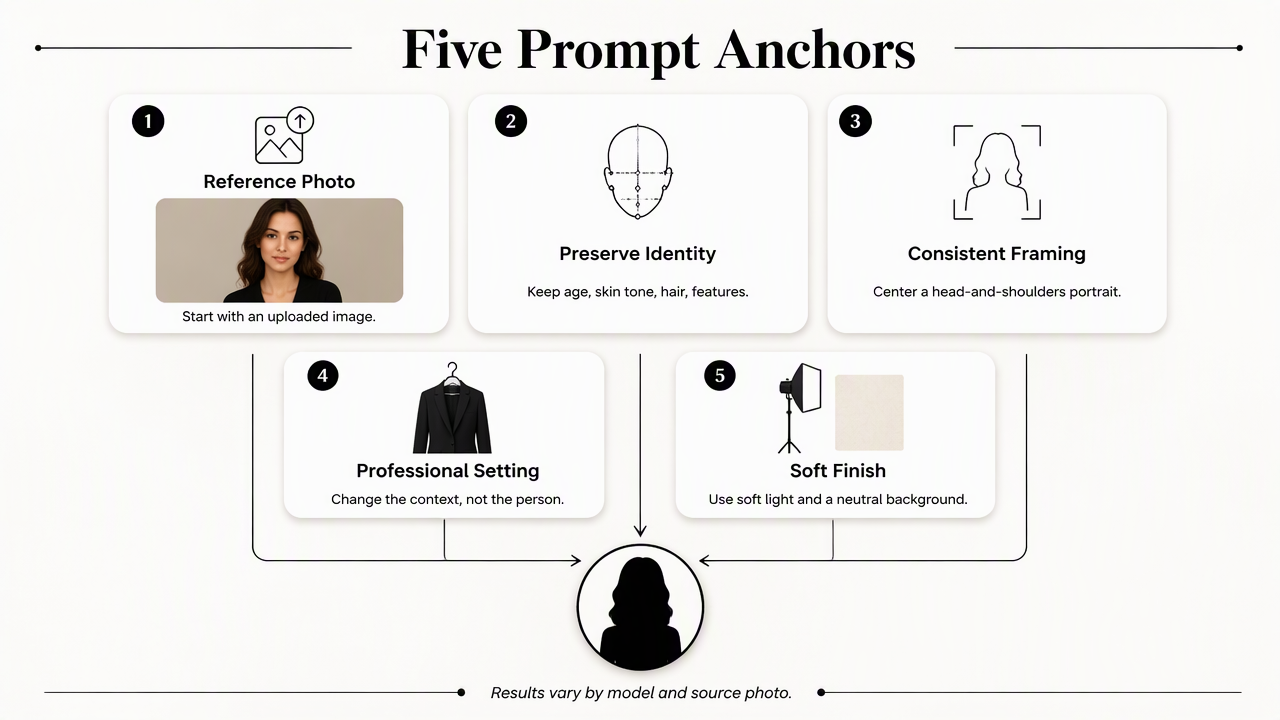
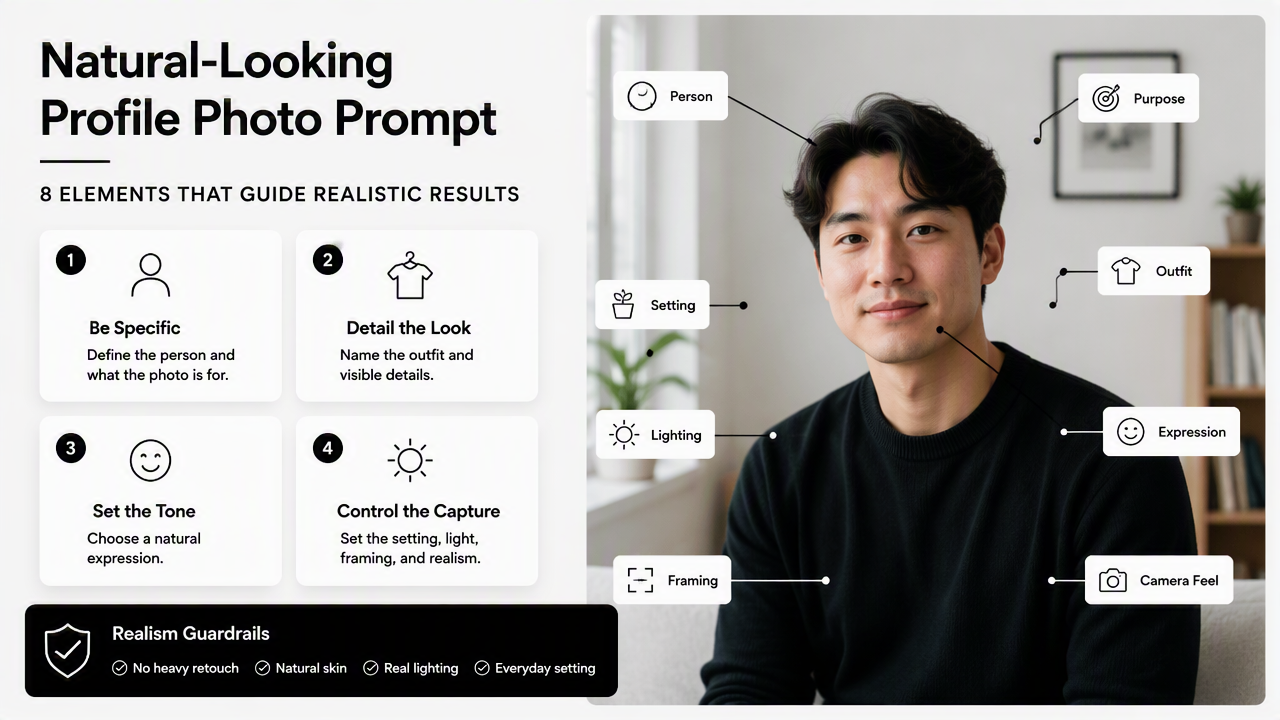
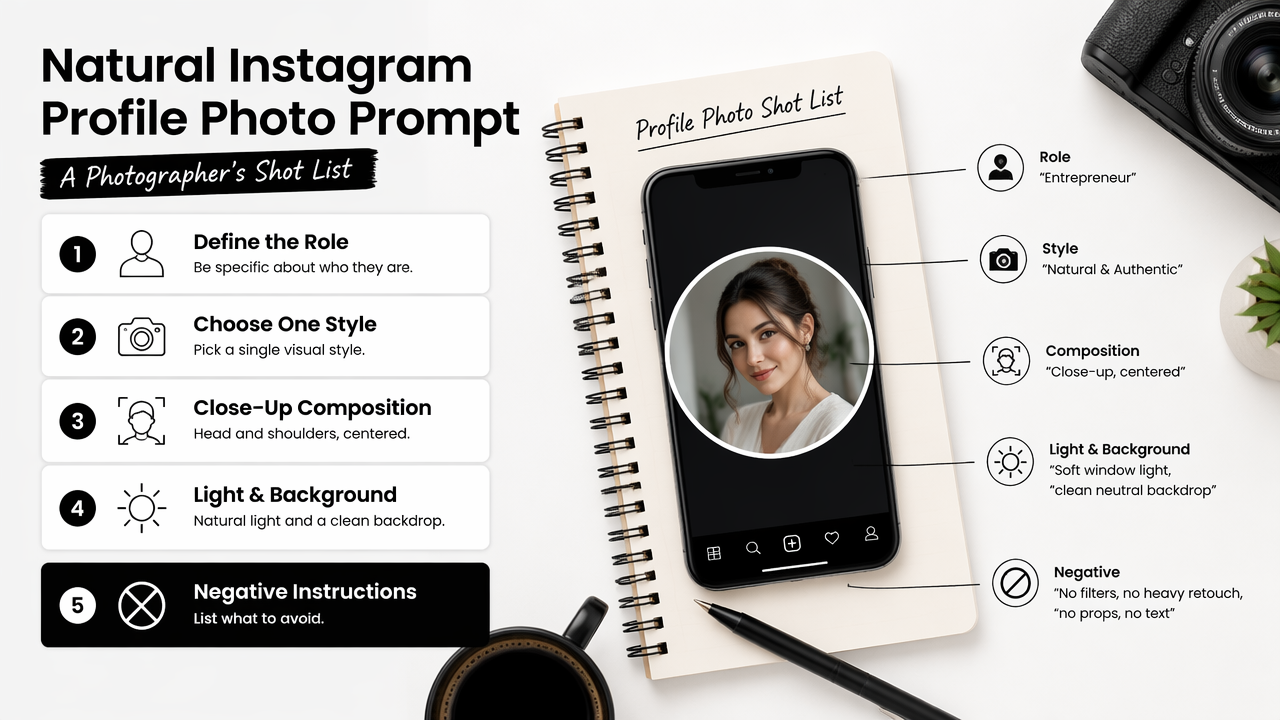
A useful prompt separates the person's identity from the styling choices that can change.
| Prompt detail | What to specify | Example wording |
|---|---|---|
| Identity | Features that should stay consistent | Preserve facial proportions and natural skin tone |
| Expression | The intended professional impression | Relaxed expression with a slight smile |
| Clothing | A plausible outfit for the role | Plain navy shirt or understated blazer |
| Lighting | Direction and softness | Soft window light, balanced facial exposure |
| Background | A setting that supports the face | Uncluttered warm-gray studio background |
| Framing | Space for the profile crop | Centered head-and-shoulders portrait, square composition |
Key takeaway: Professional means appropriate and recognizable, not necessarily formal. A freelancer's approachable portrait can work better than a stiff corporate pose.
Copy-ready prompts for five professional styles
The most useful Instagram portrait prompts change the professional setting while keeping identity and framing consistent. These templates assume a reference image has been uploaded to a tool that supports image-guided editing. They are instructions, not guarantees; results depend on the model and source photo.
Business owner or executive portrait
Prompt: Create a photorealistic head-and-shoulders portrait of the person in the reference photo. Preserve facial structure, age, skin tone, and hairstyle. Use an understated dark blazer, relaxed confident expression, soft studio lighting, and a neutral background. Center the face in a square composition with space for a circular crop.
Creator or personal-brand portrait
Prompt: Edit the reference photo into a polished Instagram creator portrait. Keep the person recognizable, including distinctive facial features and natural skin texture. Use a friendly expression, simple clothing in the brand's main color, soft daylight, and a clean complementary background. Frame the head and shoulders with generous crop space.
Freelancer or remote professional portrait
Prompt: Create a natural professional portrait from the uploaded reference. Preserve the person's appearance and age. Use a smart-casual shirt, approachable expression, and soft window light. Suggest a tidy workspace through a lightly blurred background. Keep the face sharp, centered, and clearly readable in a small circular avatar.
Fitness coach or wellness entrepreneur portrait
Prompt: Create a professional fitness-coach portrait using the reference image for identity. Preserve facial features, body proportions, and skin tone. Use plain athletic clothing, a relaxed smile, and even daylight. Place the subject against a simple studio or softly blurred gym background. Keep the composition head-and-shoulders and crop-safe.
Creative professional with an editorial style
Prompt: Transform the reference into a restrained editorial portrait suitable for a professional Instagram profile. Preserve recognizable facial proportions, hairstyle, and natural texture. Use a simple contemporary outfit, gentle side lighting, and a muted background. Keep the eyes visible and the face centered, with enough margin for circular cropping.
For a more personal profile, replace business clothing with an outfit the person actually wears. Dating-app users can use the same identity-first approach, with a relaxed expression and an everyday setting rather than executive styling.
How can an AI portrait stay recognizable?
- Select a clear reference photo with an unobstructed face.
- Specify the facial features and age that should remain unchanged.
- Request one coherent lighting setup and a simple background.
- Generate a small batch, then compare each portrait with the original.
- Preview the selected image as a small circle before publishing.
Reference photos and targeted revisions
The reference should show the person clearly enough to judge likeness. A heavily filtered selfie gives less useful guidance than a sharp, evenly lit photo. Where multiple references are supported, recent photos with consistent appearance can provide additional context.
If the result changes the jawline, eye shape, hairline, or age, request a targeted revision rather than adding more style adjectives. For example: Keep the facial proportions closer to the reference; change only the background and lighting.
- Check eye alignment, teeth, ears, and glasses.
- Keep permanent distinguishing features unless removal is intended.
- Avoid requesting a younger face or altered body shape when authenticity matters.
- Review the tool's privacy and photo-retention terms before uploading portraits.
Thumbnail checks and evidence boundaries
A convincing full-size portrait still needs a thumbnail check. Compare a square preview with a circular version: the eyes should remain visible, the chin shouldn't feel cramped, and the background shouldn't compete with the face. Export requirements should be checked in the chosen tool and Instagram's current interface.
Broader AI research offers context, not portrait-performance evidence. Menon and Shilpa's 2023 study examines factors influencing ChatGPT adoption. Bozkurt and colleagues' 2023 reflection considers generative AI's possible educational futures. Neither establishes which portrait prompt produces better Instagram results.
Publishing check: The final image should remain recognizable beside a recent ordinary photograph, not merely look polished on its own.
How Looktara handles this
Looktara provides a fitness-focused Instagram profile-picture destination that connects this prompt approach with a specific professional use case. The fitness Instagram profile-picture generator is a relevant next step for coaches and wellness creators developing an approachable personal brand.
Choose the destination by profile purpose
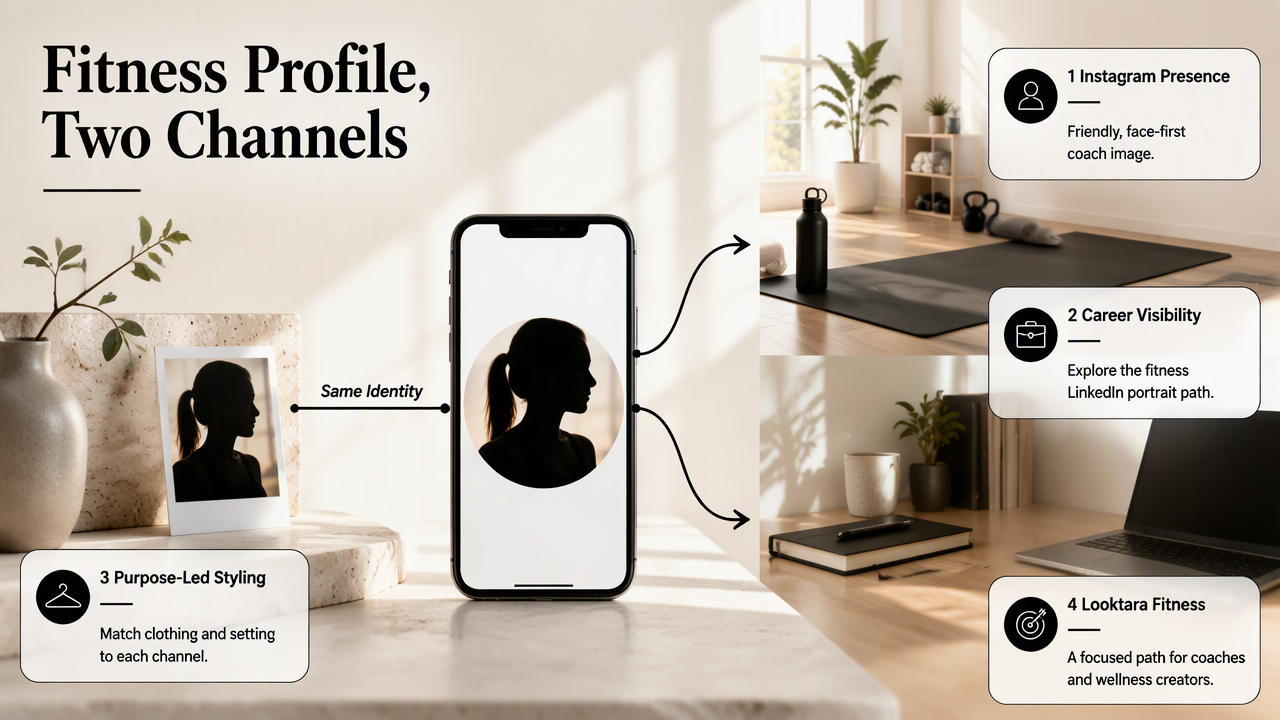
The same identity reference can support different professional channels while clothing and setting reflect each channel's purpose.
- Instagram presence: Use the fitness-coach template for a friendly, face-first brand image.
- Career visibility: Explore the fitness LinkedIn profile-picture generator for a separate career-facing portrait.
- Subscriber recognition: Consider the fitness newsletter profile-picture generator when the portrait also represents an author or coach in email.
- Visual discovery: The fitness Pinterest profile-picture generator fits a related channel-specific branding task.
Consistent identity matters more than identical scenery. A coach can keep the same recognizable face across these channels while choosing a warmer expression for Instagram and more restrained styling for a professional directory.
FAQ: Instagram AI portrait prompts
These answers address common choices about reference images, natural appearance, prompt exclusions, and profile formatting.
Can an AI profile picture look professional without a suit?
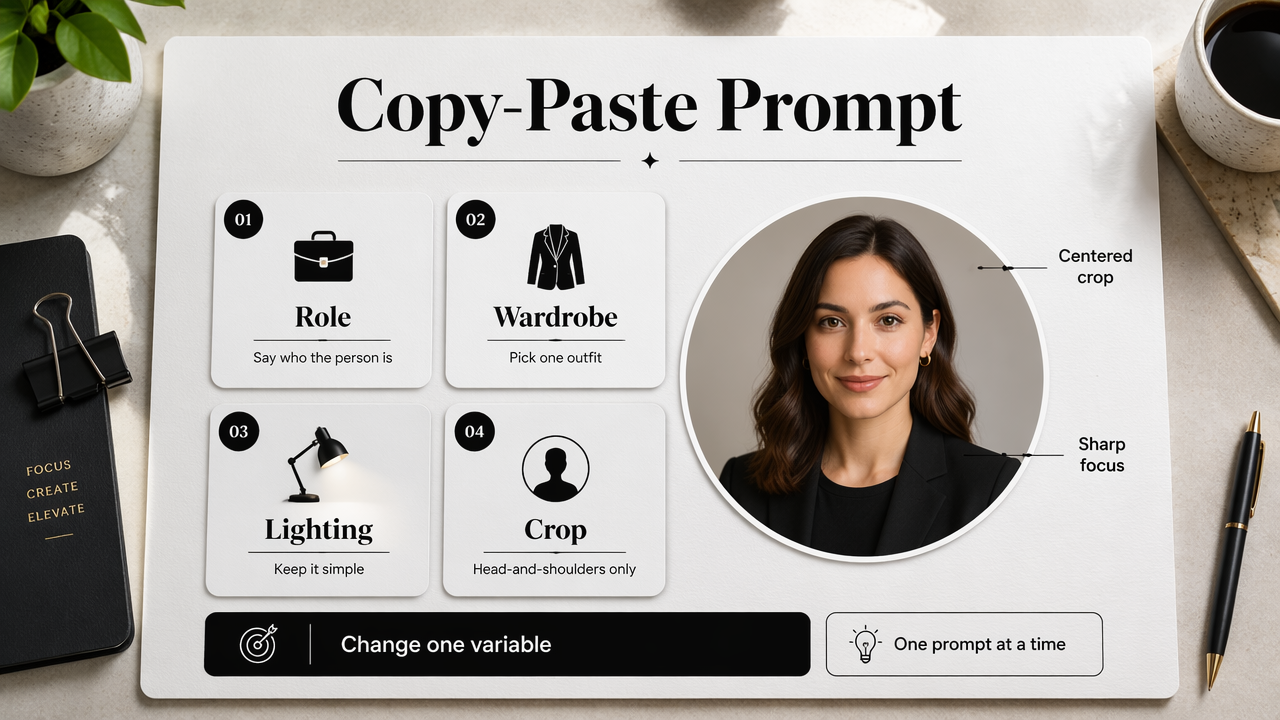
A professional AI profile picture can use smart-casual or role-specific clothing instead of a suit. Plain shirts, knitwear, and athletic clothing can suit freelancers, creators, and coaches. The stronger signals are an appropriate expression, clear lighting, intentional framing, and a background that keeps attention on the face.
Does a portrait prompt need a reference photo?
A reference photo is the practical choice when the portrait must resemble a specific real person. Text alone describes an appearance rather than reliably establishing identity. The selected tool must support reference images or photo editing, and the generated result still needs a direct likeness check before publication.
What should a negative prompt include?
A negative prompt can name unwanted features such as heavy skin smoothing, distorted facial proportions, text, watermarks, or busy backgrounds. Support varies by tool; some accept a separate negative-prompt field, while others need exclusions in the main instruction. Keep exclusions short and relevant to the actual result.
Should the AI image be square or circular?
A square composition with a centered face is a practical working format because Instagram presents the profile image inside a circle. Leave space around the head and preview the circular crop before uploading. A circle-shaped background isn't required; the important detail is keeping essential facial features inside the visible area.
Conclusion
A useful professional instagram profile picture ai prompt starts with identity, then adds role-appropriate styling and crop-safe framing. Select one template, pair it with a clear reference photo, and review the result at thumbnail size. For fitness-focused professional imagery, explore Looktara at looktara.com and prepare a portrait that supports the account's real purpose.
Generated by EarlySEO.com